
Oconee County Name-Based Case Searches
The official Superior and Magistrate Court Docket Search page leads to Tyler Case Management Plus. A guest can continue without signing in. Party Search asks for the last name followed by the first name, without a suffix, and accepts a minimum of two letters. Search all reasonable spelling variations because the county landing notice warns that proper names may be indexed in more than one form. Associated Party Search is useful when a person or entity is linked to a case but is not the principal named party.
Filters narrow common names. Court codes are SU for Superior, MG for Magistrate, and MU for the municipal code exposed by Tyler. Filing dates use month, day, and year. Status can be All, Active, or Inactive. Keep the returned case number and division because both help the clerk find a file or produce a copy.
- Open the county docket page and follow its updated Tyler link.
- Continue as a guest, or sign in if image access requires an approved account.
- Enter the last name, then first name, and omit suffixes.
- Choose a court, division, filing range, or status only when it improves the match.
- Open the result and retain its number, division, status, and proceedings details.
| Field Label | Type | Required | Notes |
|---|---|---|---|
| Party Name | Text | Yes | Last name, then first; at least two letters |
| Court Code | Menu | No | MG, MU, or SU |
| Court Division | Menu | No | Options change with court code |
| Filing Date | Date range | No | MM/DD/YYYY |
| Case Status | Menu | No | All, Active, or Inactive |
Oconee County Tyler Guest Access
The Tyler entry screen offers Login, Continue as Guest, Create Account, and password recovery. Guest access is the sound first step for an index search. An approved account matters when a user needs available images. The county user guide says account holders can fund an account, select a case, open Proceedings, add copies to a cart, and save or print purchased items for 30 days.
The public index and paid-copy path are not the same service. A result may show enough to identify a case yet still require clerk approval or payment to reach an image. Tyler's exact local image price was not published in the reviewed sources, so confirm the charge before checkout. The portal also disclaims a warranty of accuracy. Treat its result as a finding aid, then verify vital details with the Clerk of Superior, Magistrate and Juvenile Courts.
The account registration source shows that registration is a separate step from guest entry.
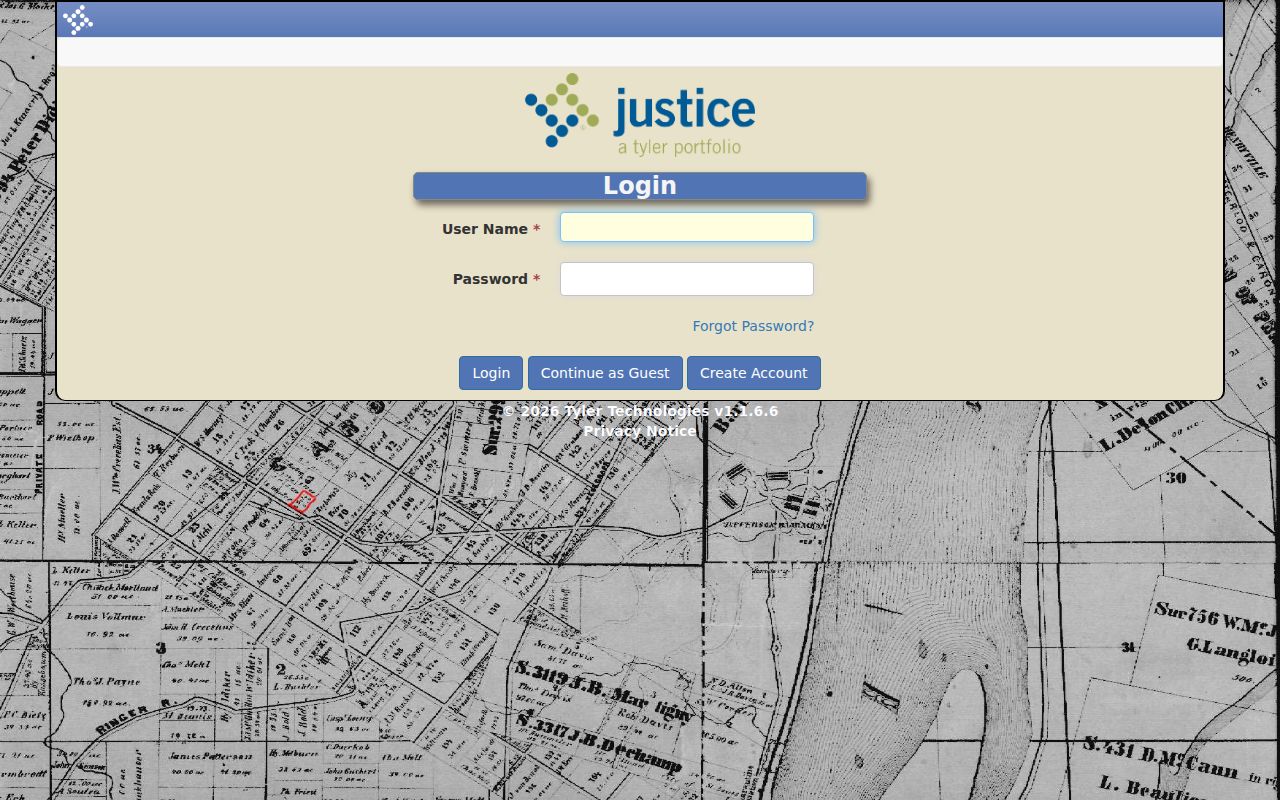
The captured entry screen makes the guest and account routes visibly distinct.
The same is true of account creation.
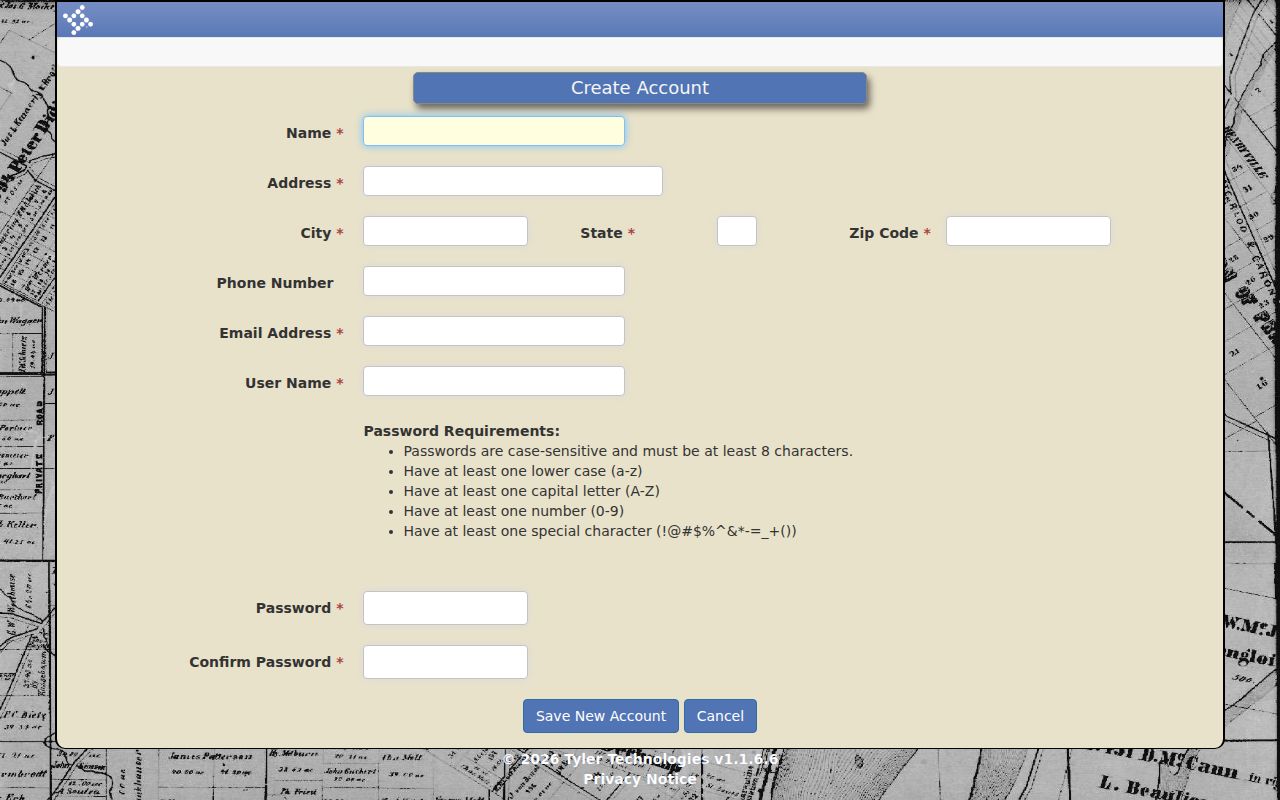
Registration supports later account functions, but it does not replace the clerk's review of access.
Oconee County Case Number Searches
Case Number Search uses exact components instead of one loose text box. Year is required and allows four characters. Case Number is required and allows six; the portal pads the sequence to six digits. Court Code and Division are optional, as are Case Type and Status. A safe illustration is SU-CV-YYYY-NNNNNN: Superior Court, Civil division, filing year, and a six-digit sequence. It is a format example, not a real case.
Use the court and division printed on a notice when known. Magistrate divisions include civil claims, dispossessory, garnishment, criminal, warrants, ordinance, and probation entries. Superior choices include civil, criminal, family violence, pre-trial diversion, probation revocation, self-represented, and tax equalization. These labels route the search; they are not a full legal codebook.
When Oconee County Results Fail
A blank Oconee County docket search can reflect spelling, a narrow date range, the wrong court, or a status filter. Remove a suffix, test variants, widen the filing dates, and switch between Active and Inactive. Then confirm venue. Probate traffic is held by Probate Court, city citations may remain with a municipal clerk, juvenile access is limited, and a recent filing may not yet appear.
Fallback: Call the clerk at 706-769-3940 or visit Room 208 when the correct Oconee County case still does not appear.
Oconee County Case Search Results Explained
The verified Tyler fields support identification and tracking. Search results provide a case number, court and division context, party information, filing date, and status. The guide also documents result counts, paging, display-count controls, case selection, Proceedings, Print Index, image availability, and Add to Cart. Not every case will expose every item. No anonymous live sample was retained, so the inventory below states what the official search and guide support without claiming uniform detail.
| Case Number | Exact local identifier used for follow-up |
|---|---|
| Party | Name or associated-party relationship used in the index |
| Court and Division | SU, MG, or MU plus the selected routing division |
| Filed Date | Date used by the portal's filing-range filter |
| Status | Active or inactive; confirm unclear meanings with the clerk |
| Proceedings | Recorded events and settings, with images where available |
Oconee County Index Versus Images
A docket index is an ordered map of activity. It is not the certified case file. Print Index places the index in the cart, while Proceedings can point to images that approved account users may buy. A filing date is a search constraint and need not be the last event date. Active and Inactive are portal choices, but Oconee County has not published a complete status codebook.
For an official PDF, the county directs users to eCertification. The GSCCCA identity registration source supports the universal account used by that service.
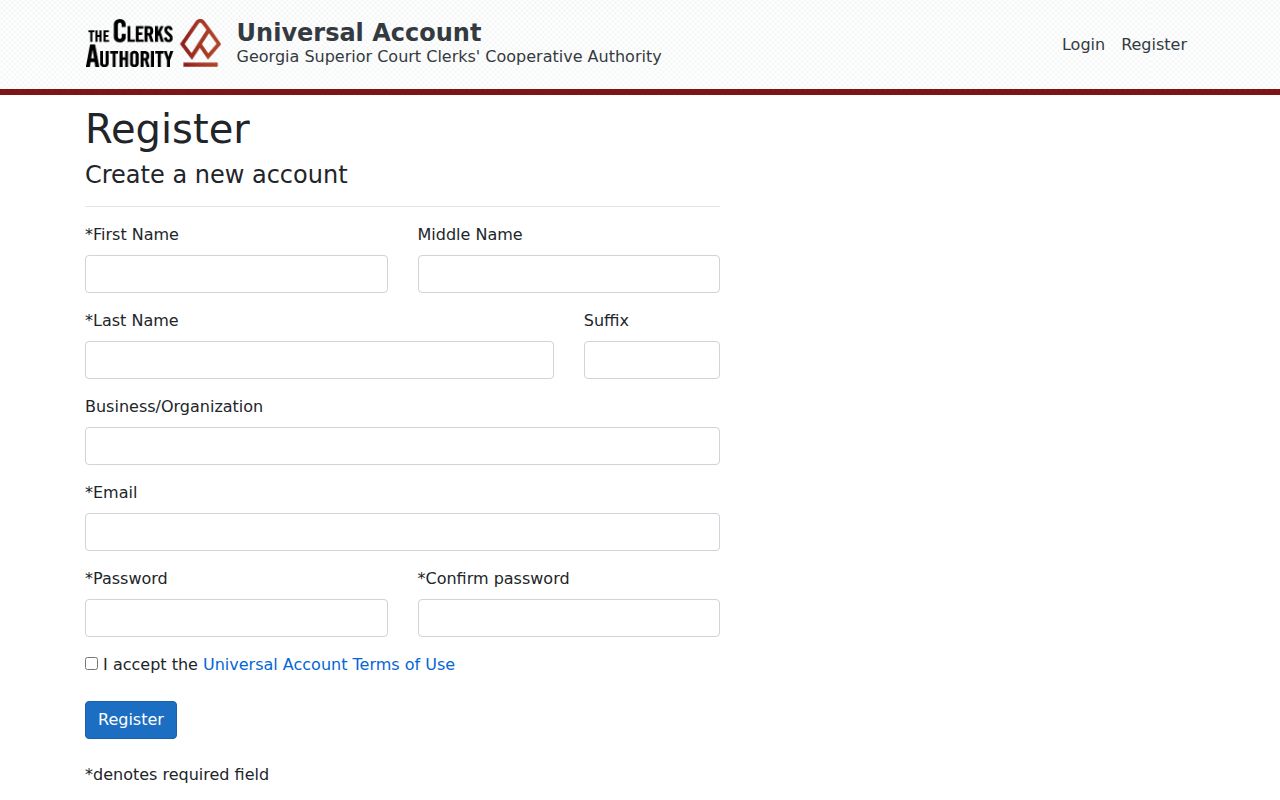
This separate account path reinforces the difference between locating a case and ordering an authenticated copy.
Oconee County and State Search Routes
Georgia has no single public trial-court database that replaces the Oconee County portal. Georgia Courts' E-Access directory routes Oconee Superior users to a provider and notes an account requirement. For local Superior and Magistrate work, Tyler is the practical first index. Probate traffic and city citations remain venue-specific. Appeals belong in the Georgia Court of Appeals or Supreme Court of Georgia systems.
| Statewide Route | Oconee County Portal |
|---|---|
| Provider directory, not one universal search | Superior and Magistrate index, plus visible MU code |
| Routes users by county and provider | Party, associated-party, and exact-number modes |
| Best for finding the correct Georgia channel | Best for a known Oconee County state case |
Oconee County Federal Case Boundary
Federal cases involving Oconee County belong to the Athens Division of the U.S. District Court for the Middle District of Georgia. They do not appear as Superior Court matters merely because the parties or events are local. PACER offers a specific-court search and a national index; CM/ECF is the federal filing system.
The PACER court lookup identifies the Middle District system.
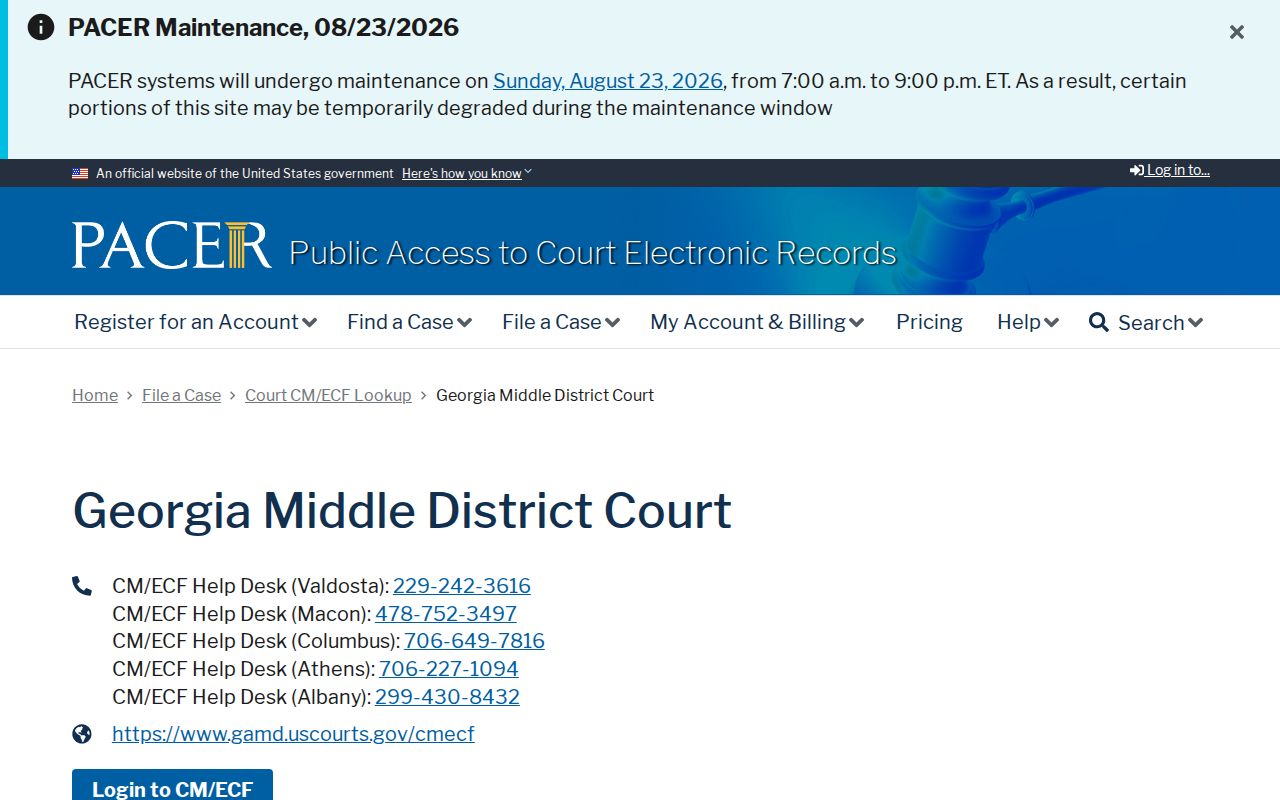
The federal identifier is a useful check before searching a name in the wrong venue.
The PACER Find a Case page separates court-specific and nationwide searches.
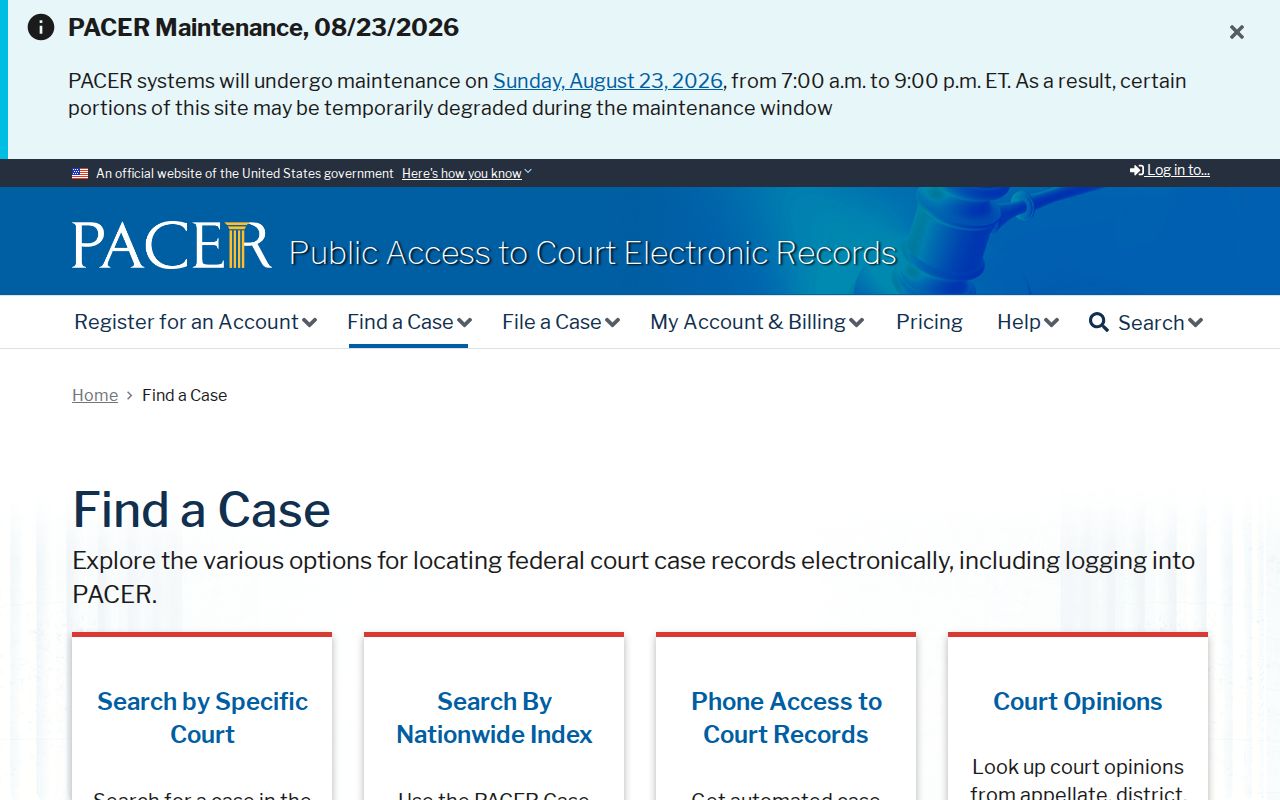
That choice is the federal counterpart to selecting an Oconee court code.
CourtListener and RECAP may provide a free federal docket alternative.
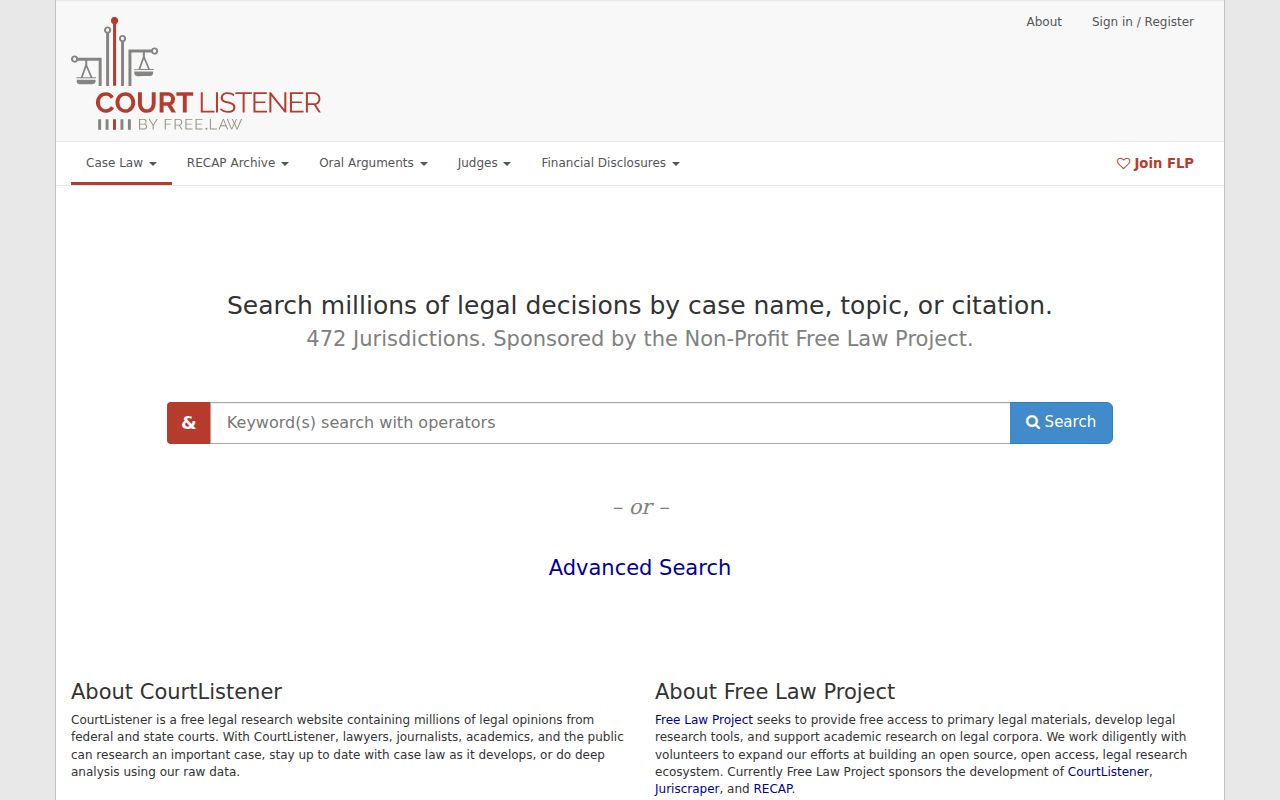
Coverage can vary, so PACER remains the official federal source.
Which Oconee County Cases Stay Restricted
Uniform Superior Court Rule 21 begins with public inspection, then permits limits through its stated process. Privacy harm must clearly outweigh public interest, and a temporary ex parte limit requires compelling circumstances. Protected identifiers can be sealed or redacted. Rule 36.16 gives electronically filed records the same public-access footing as paper records while keeping sealed material outside ordinary public access.
Juvenile information is not an ordinary public Tyler record. Sealed, redacted, family-violence, and stalking materials can also be limited. A missing result does not establish that a case never existed. Ask the clerk whether the issue is venue, indexing delay, restriction, or a request procedure. Do not seek a workaround for a lawful access limit.