
Oconee County Court Record Requests
For Superior and Magistrate records, begin at the Oconee docket-search page. It connects to Tyler Case Management Plus. A docket search there runs by party name or exact case number. The index can reveal proceedings and any available images. Need the actual filing or a certified copy? The clerk then points users to eCertification. The Clerk of Superior, Magistrate & Juvenile Courts takes requests three ways. Phone, mail, and in person all work at the Room 208 counter.
Probate records and county traffic files travel a different road. That road runs through Probate Court in Room 304. For broad county administrative material, the Oconee Open Records form may fit the bill. An existing case file is different. So is a docket printout, order, or judgment. For those, the court clerk is the direct holder. No single statewide public trial-court database replaces these local routes.
- Identify the court, party name, and case number if known.
- Name the exact record, such as an order, docket printout, or pleading.
- Choose Tyler, eCertification, phone, mail, or the correct clerk counter.
- State whether a plain copy or certified copy is required.
- Review the quoted charge and delivery method before payment.
Four Oconee Record Layers
Think of an Oconee County court record in four practical layers. None stands in for the rest. The search index locates the matter. Proceedings list the recorded case activity. A document image shows the filing behind an entry when access permits. And a certified copy carries the clerk's own authentication. Knowing which layer you hold keeps a docket search honest.
| Layer | What it provides | Main limit |
|---|---|---|
| Search index | Names, court, division, dates, status, and case-number fields | Not the full case file |
| Docket or proceedings | Ordered events and settings tied to the case | An entry may not contain its source filing |
| Document image | A viewable or purchased copy of an available filing | Access and account approval can vary |
| Certified copy | A clerk-authenticated paper or secured PDF | Requires a separate request and payment |
That distinction guards against a common mistake. A free index print helps with tracking, yet it is not proof that the clerk certified the document underneath the entry.
Kinds of Court Records
Where an Oconee County record lives depends on the clerk structure. Angela Elder-Johnson's office holds the Superior, Magistrate, and Juvenile court records. It does not hold everything. Probate Court keeps estate, guardianship, marriage, weapons-license, and county traffic material within its jurisdiction. Municipal courts are separate again. They maintain their own city citations and ordinance files. Name the venue and the document type in any request.
- Docket sheets and case indexes
- Pleadings, motions, and responses filed in a case
- Signed orders, judgments, and dispositions
- Available exhibits and document images
- Probate, estate, guardianship, and county traffic files
Juvenile material does not follow the ordinary public search path. And a visible case entry never guarantees that every exhibit, identifier, or image is open to inspection.
Oconee E-Certification Requests
Through the Oconee eCertification service, the clerk produces tamper-proof, self-validating copies of court and real-estate records. A GSCCCA account unlocks it. Choose Submit a New Request, then pick the county, document type, and request details. Clerk staff process the request before payment is finalized. The county's own eCertification description lays out the official request route. That route covers certified copies of Oconee records.
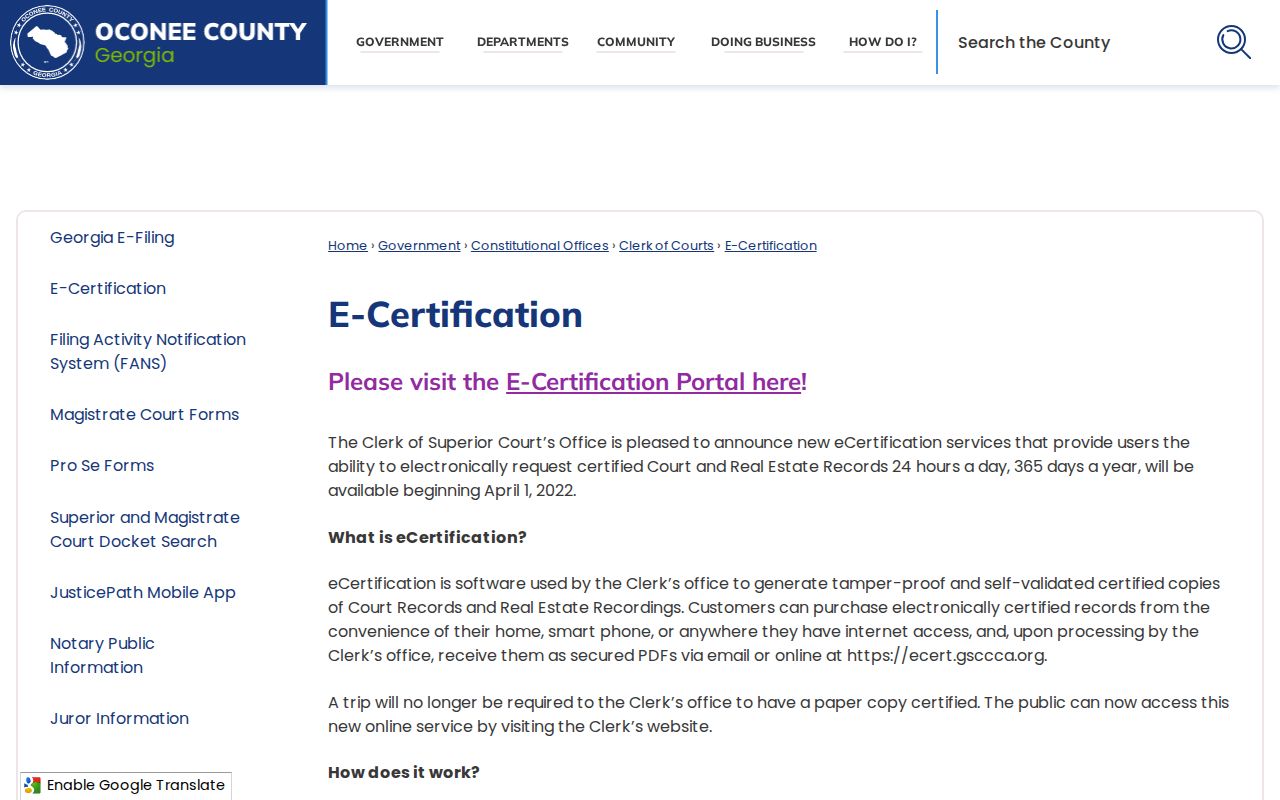
Certified delivery is separate from a public docket search. The screen makes that plain. Once processing ends, the request moves to Awaiting Payment Final Authorization. Payment then releases an emailed link. That link authenticates the secured PDF. The GSCCCA certification portal adds a Lookup a Certified Document field plus an authentication-code control.
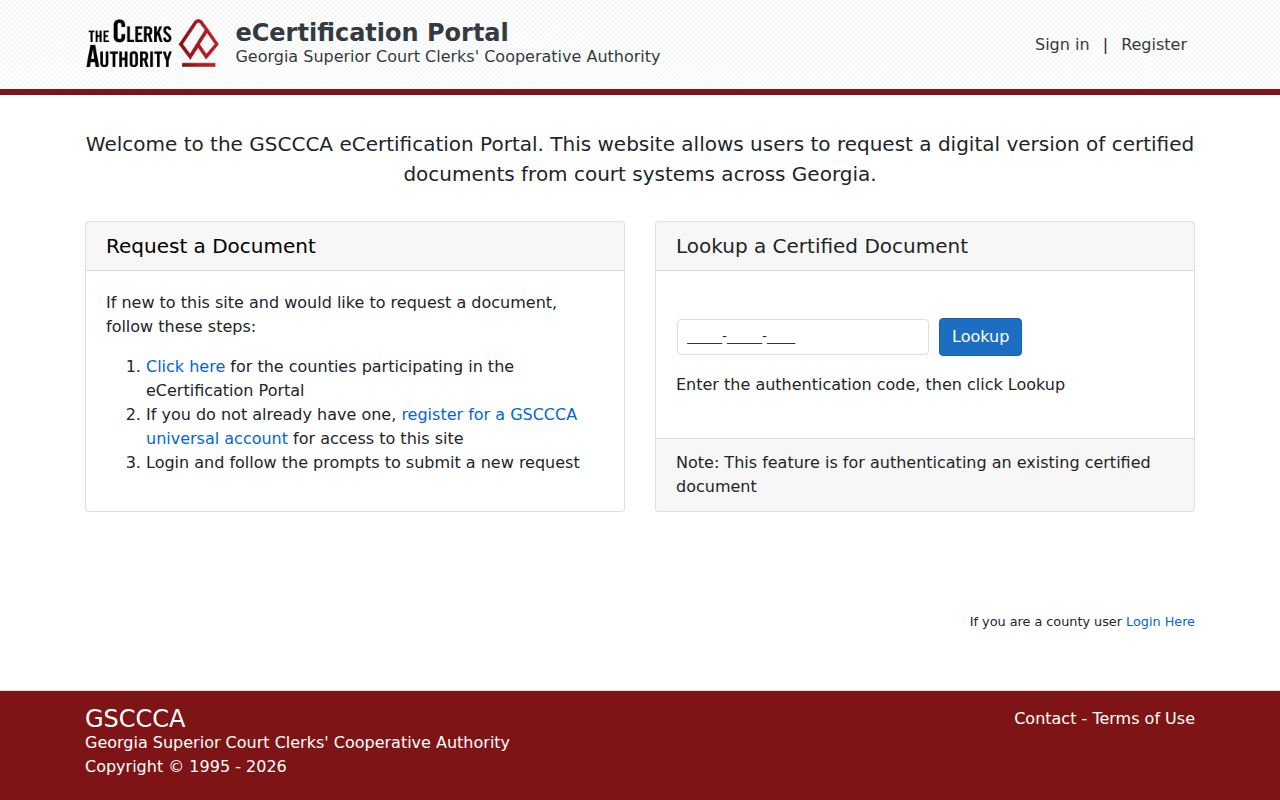
This lookup only checks a certified document you already hold. It does not search Oconee County court records by party name.
Court Records: What They Contain
The Tyler layer supports many search fields. Party or associated-party name works. So do court and division, filing-date range, status, and exact case-number parts. The official user guide adds more. It covers result counts, case selection, Proceedings, Print Index, image availability, and a copy cart. What a full Oconee County case file contains depends on what was filed. Access rules govern the rest.
| Case Number | Court code, division, four-digit year, and sequence, such as SU-CV-YYYY-NNNNNN. |
|---|---|
| Party and Style | Names and roles used to identify the matter. |
| Proceedings | Recorded events, settings, and activity in date order. |
| Pleadings | Petitions, complaints, answers, motions, and responses actually filed. |
| Orders and Judgments | Signed rulings or final dispositions available in the record. |
| Images | Document copies linked to entries when account and access rules permit. |
No page promises that every field appears in every Oconee County court case record. When a short index label confuses you, request the controlling document.
Oconee Open Records Form
On the county form, a requester identifies a department or official. The same form offers inspection or photocopies, and asks the requester to describe specific existing records. Precision pays off. Name the case, court, document, and date range, and the request routes cleanly. The Georgia Open Records Act draws one firm line. It does not require a new report, summary, or compilation that did not exist when the request arrived. The official request form displays the fields used to route an Oconee County records request.
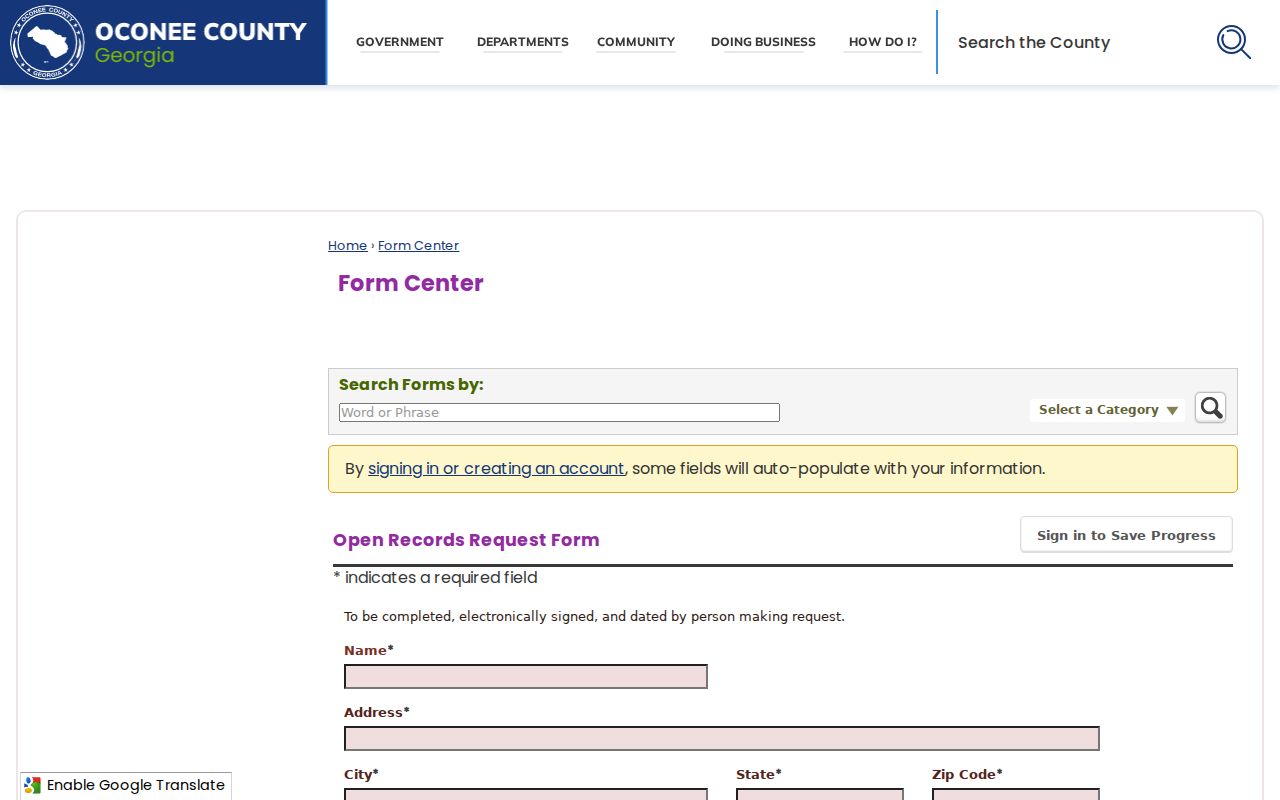
The form suits a precise existing-record request. For a court filing, direct clerk contact still works best. The County Clerk and Open Records Officer page names the administrative custodian.
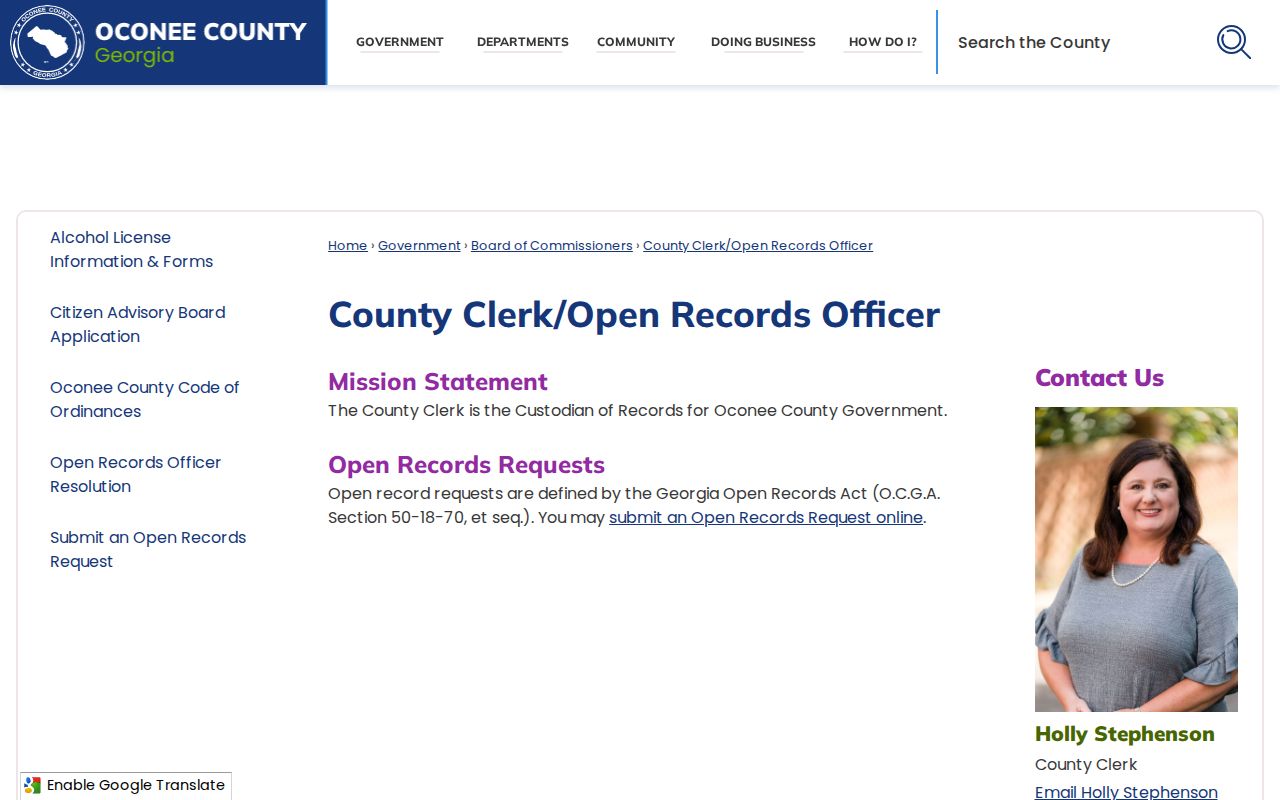
This source helps separate county administrative requests from the court-file requests that the elected court clerks keep.
Copy Fees and Certification
A plain copy just reproduces a record. A certified copy adds the clerk's authentication. The Oconee Open Records form publishes a county copy charge, but court certification, statutory copy charges, and unusual burdens may cost more. Tyler images run through a funded cart, and eCertification requires payment authorization. The official pages post no single fixed Oconee price covering every court document.
| Item | Published amount or status |
|---|---|
| Oconee Open Records copies | $0.10 per page on the county form |
| Georgia general copy ceiling | Up to $0.25 per page under Attorney General guidance |
| Search, retrieval, and redaction | Reasonable direct costs; first 15 minutes are not charged |
| Tyler images | Fund Account and Add to Cart apply; local rate not located |
| eCertification | Payment required after clerk processing; exact fee not displayed |
Clerk of Superior, Magistrate & Juvenile Courts
Room 208, 23 North Main Street
Watkinsville, GA 30677
Mail: P.O. Box 1099
706-769-3940
Oconee County Probate Court
Room 304, 23 North Main Street
Watkinsville, GA 30677
Mail: P.O. Box 54
706-769-3936
Oconee Records Response Timing
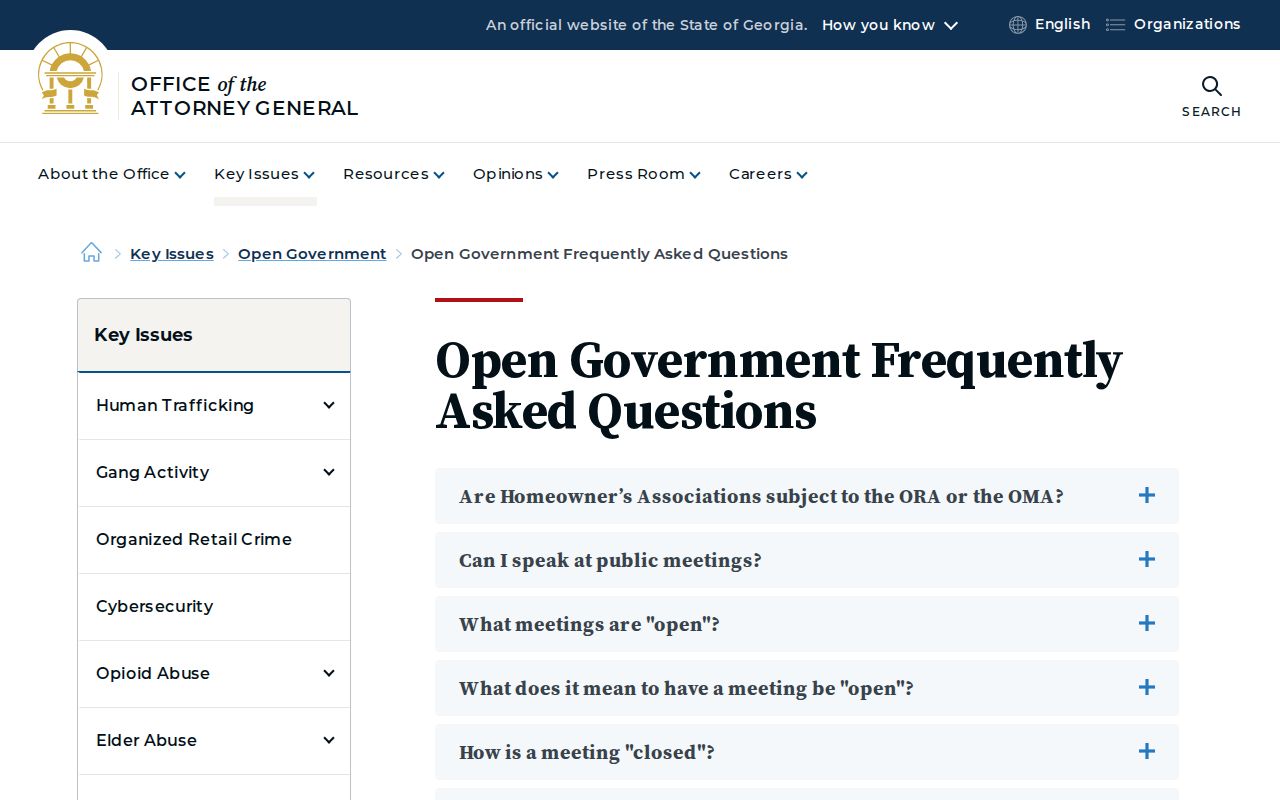
How fast must a records request be answered? Georgia's open-government rules set the pace. The Georgia Attorney General open-government FAQ covers the standard. It says agencies should hand over responsive public records within three business days. Exceptional circumstances can push that back. When they do, the agency must say when production will come, what it will cost, and which exemption it is claiming. Three days is a service standard, though. It is not a guarantee that a certified Oconee County court copy will be ready that fast. The Attorney General source covers timing, cost, and exemption basics in plain terms.
A precise request gets Oconee County court records back faster. Name the court division and the exact document you need, and the clerk can route it without extra back-and-forth that slows the response.
Access Rules for Court Records
Oconee County court records start from a rule of openness. Uniform Superior Court Rule 21 presumes that the public may inspect court records. Access can be limited two ways. One is by some other law; the other is through the rule's own process. Before restricting a record, a court weighs the privacy harm against the public's interest in seeing it. A temporary limitation takes compelling circumstances, not mere inconvenience. Some protected identifiers can simply be redacted. Anything sealed or restricted stays out of the ordinary public electronic access that Oconee County otherwise provides.
Key rules:
Uniform Superior Court Rules 21 and 36.16 govern court-record access limits and electronic-file access.
Georgia Open Records Act guidance covers existing public records, response timing, costs, and exemptions.
O.C.G.A. § 9-11-7.1 requires filers to protect personal or confidential data in filed material.
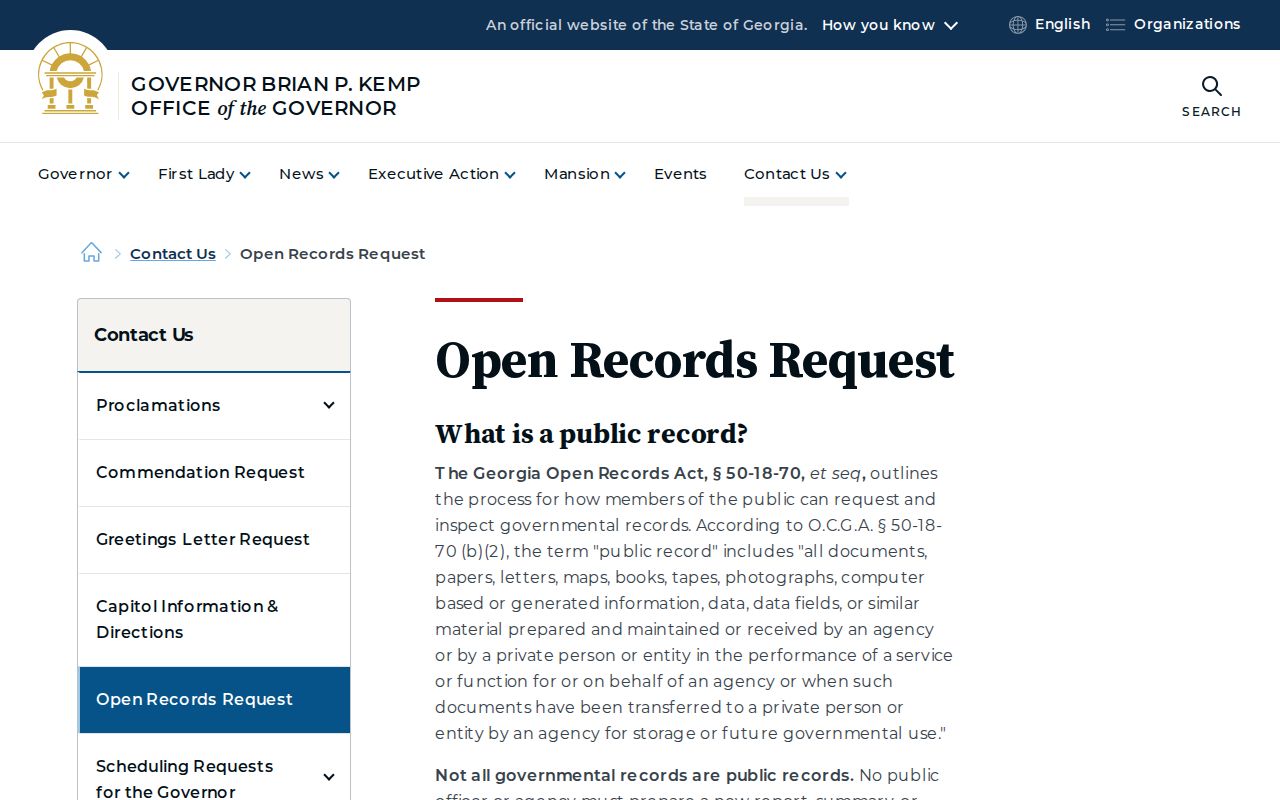
The Governor's official open-records source summarizes the statewide framework.
A redaction is not a denial of the whole record. Often it just means protected fields come out. The rest of the docket stays public. Juvenile and sealed matters are different. Each one gets its own access review under the rule.
Existing Oconee Records Only
An open-records request only reaches material that already exists. Oconee County does not have to build a custom list, analyze outcomes, or write a new report for you. Asking for every case tied to one subject over a decade, grouped by result, may cross that line. Asking for an identified docket printout, a filed order, a judgment, or a report the clerk already maintains is far more precise.
Narrow the request with what you know. Give the party name, the court, the case number, an approximate date, and the exact document you want. No case number? Search the index first, or ask the clerk which existing index can identify the file.